Text to video
Describe the subject, action, camera and atmosphere. Choose a compatible model and review its settings before generating.


From idea to motion
Turn a written idea or a reference image into a video. Explore models in xDots, adjust the settings and keep your creative process connected.
Explore first. Sign in and review the credit cost before generating.
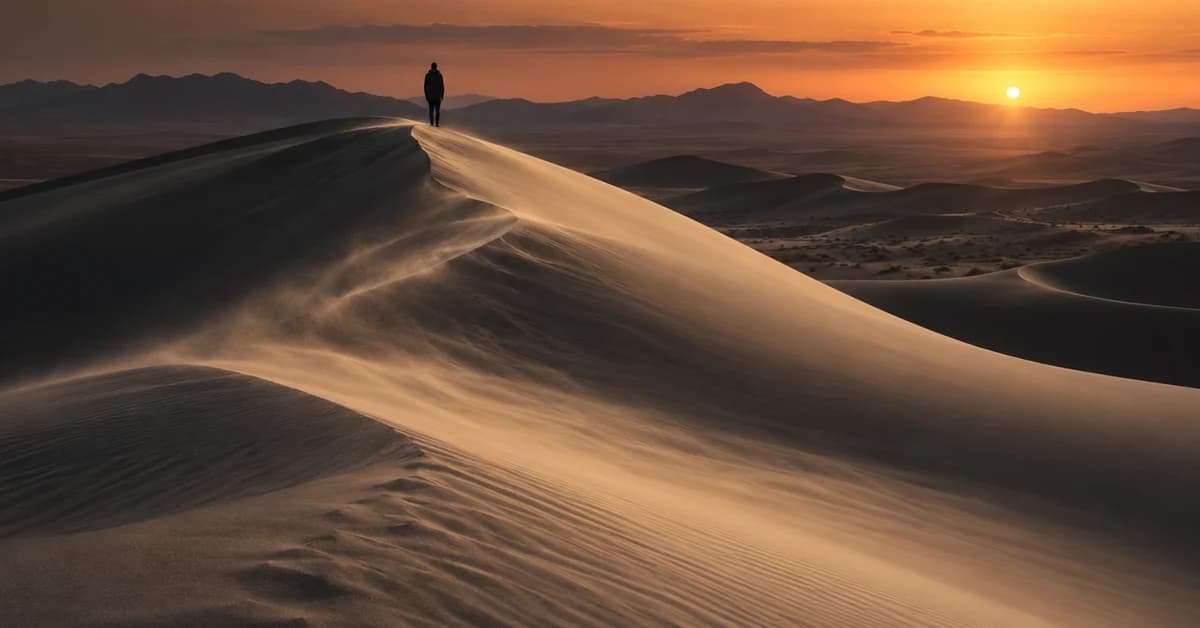
Describe the subject, action, camera and atmosphere. Choose a compatible model and review its settings before generating.
Start with a reference image when your chosen model supports it. A clear subject and a simple motion brief give you a more focused starting point.
Move beyond a single clip: collect references, develop ideas with Doti and organize the broader project on a creative canvas.
A clear starting point
Yes, supported image-to-video models accept a starting image. Available inputs and settings depend on the model selected in the generator.
You can explore the public pages before signing in. Generation requires an account and available credits. Check the current pricing page and the cost shown in the App before running a job.
The best choice depends on the shot, reference inputs, motion, duration and budget. Compare models on the same brief and judge the actual outputs. xDots does not claim that one model is best for every task.